 en
en zh
zhThis is an old revision of the document!
Table of Contents
Regular agent functions in call center
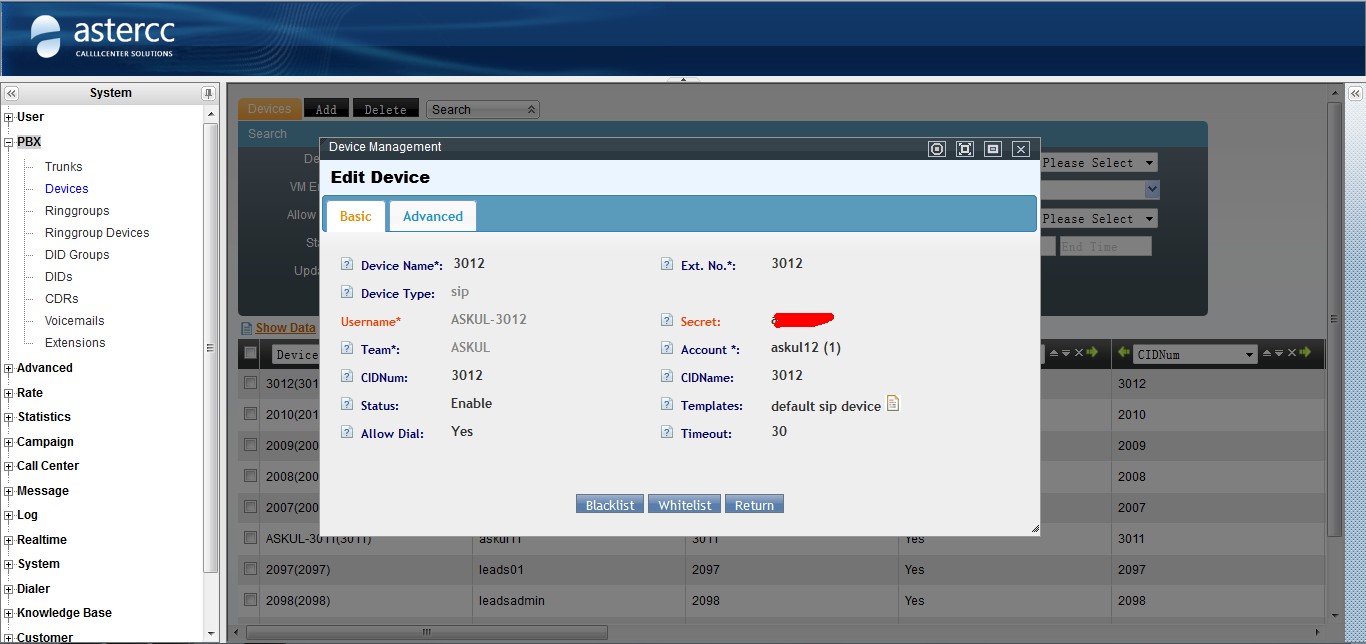
Agent Account, Agent Number and Device
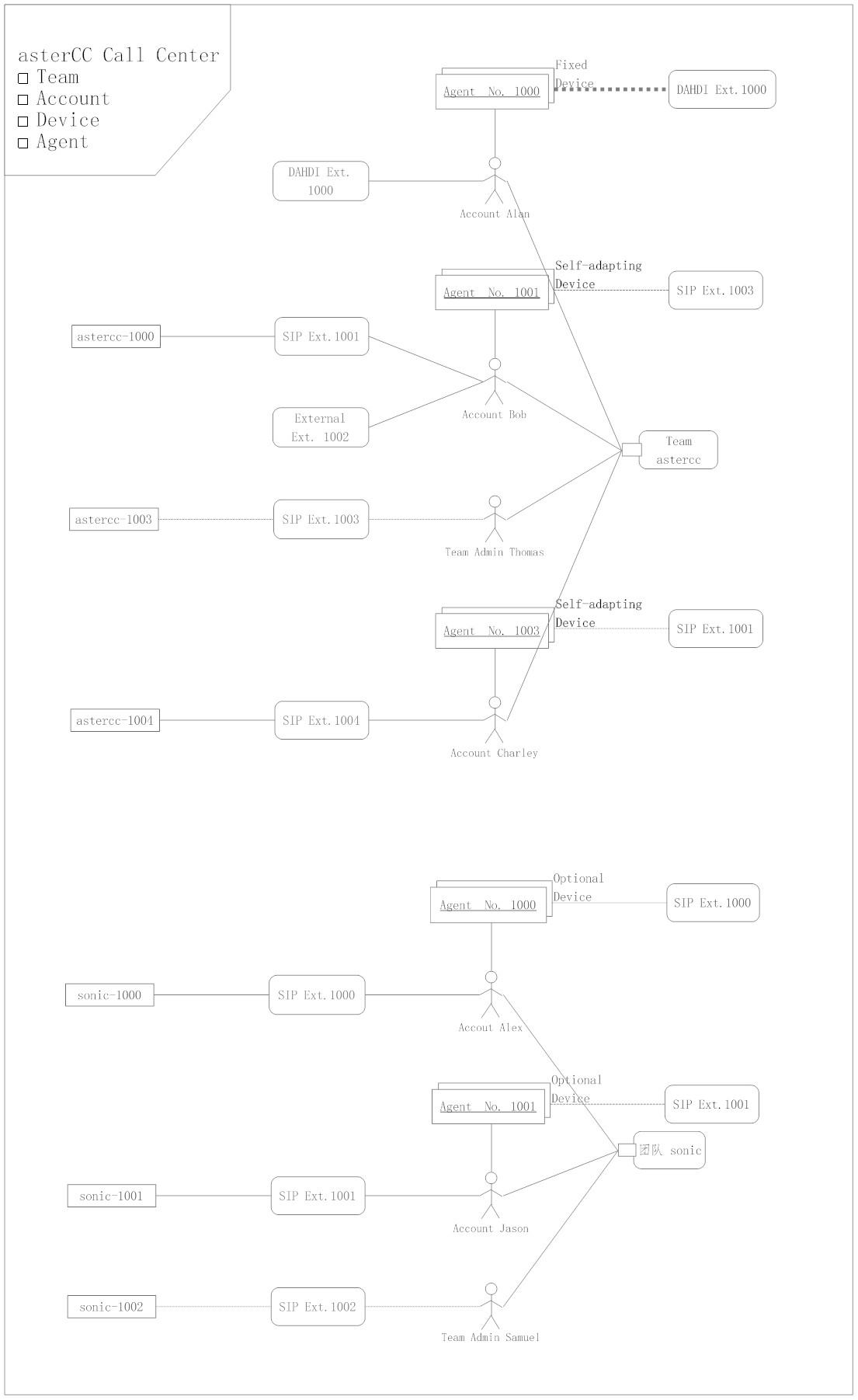
In astercc commercial, there are entries like team, user, user group, extension, agent, agent group, agent group administrator, agent extension, agent number and agent password.
- Each team can be regarded as a individual system, which needs a unique identification for the team identity (e.g., the default team identity is astercc). Teams will not be able to influence each other. Each team has their only administrator, and can assign one trunk or a trunk group as their default outbound calling trunk (group).
- User is a login unit (to login via a website, username and password are necessary) and billing unit. A user can belong to the system or a team. The system does not cap the user number.
- User group is the set of users. A user group can assign a trunk or a trunk group, which functions when the extensions under that group place calls.
- An extension must belong to a user; and one user can have more than one extension. Extension can be either an internet extension (soft phone, audio gateway, IP phone), or a phone number (cell phone, landline telephone).
- An agent is the basic unit of a call center. Each agent must belong to a user.
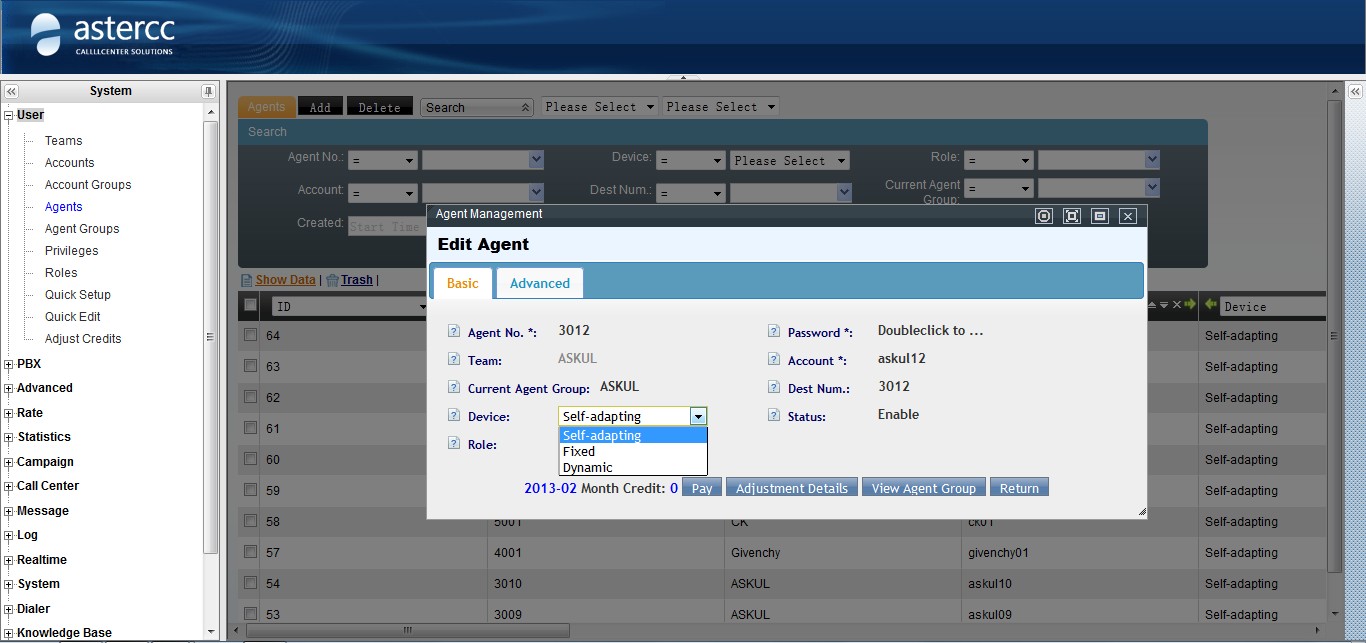
- An agent extension can be either a system extension or a number. Agent extensions can be divided into:
- fixed extension: the extension number is unchangeable
- self-adapting: before sign in, an agent can pick a number that has not been used by other extensions.
- dynamic: the system will first check if a soft phone from a same IP has already registered, and if not, it will select the number that soft phone is corresponding.
- Agent group: this is the working unit of agents. Each agent must belong to at least one agent group.
- Agent group administrator: the administrator has more access. E.g., the administrator can monitor, 强插, whisper, etc. When the group is undergoing an outbound task, the administrator can also acquire the following access by default, like to import data, export statement, record, etc. Each agent group can have 0 or more administrators.
- Agent number: only used when sing in through a telephone or announce the agent number.
- Agent password: only used when 调用(invocate?) functions related to that agent through 接口.
Call Popup
Call popup is a frequently-used agent function in call centers, often integrated with business systems, like CRM and telesales system. In order to achieve call popup, we are in need of a configured business system for agents. Astercc commercial offers multiple types of business functions for customers, including:
And at the same time, the system supports a third party system for integrate, and customers can easily have their own systems pops up.
Outbound Popup
Outbound popup means agents directly dial their corresponding number. When using it, agents have to pay attention to the following tips,
- The extension has to enable the agent mode
- the agent has to be in signed in status
- signed in through agent page
- signed in through dialing *64 from a telephone
- fixed agent does not need to sign in
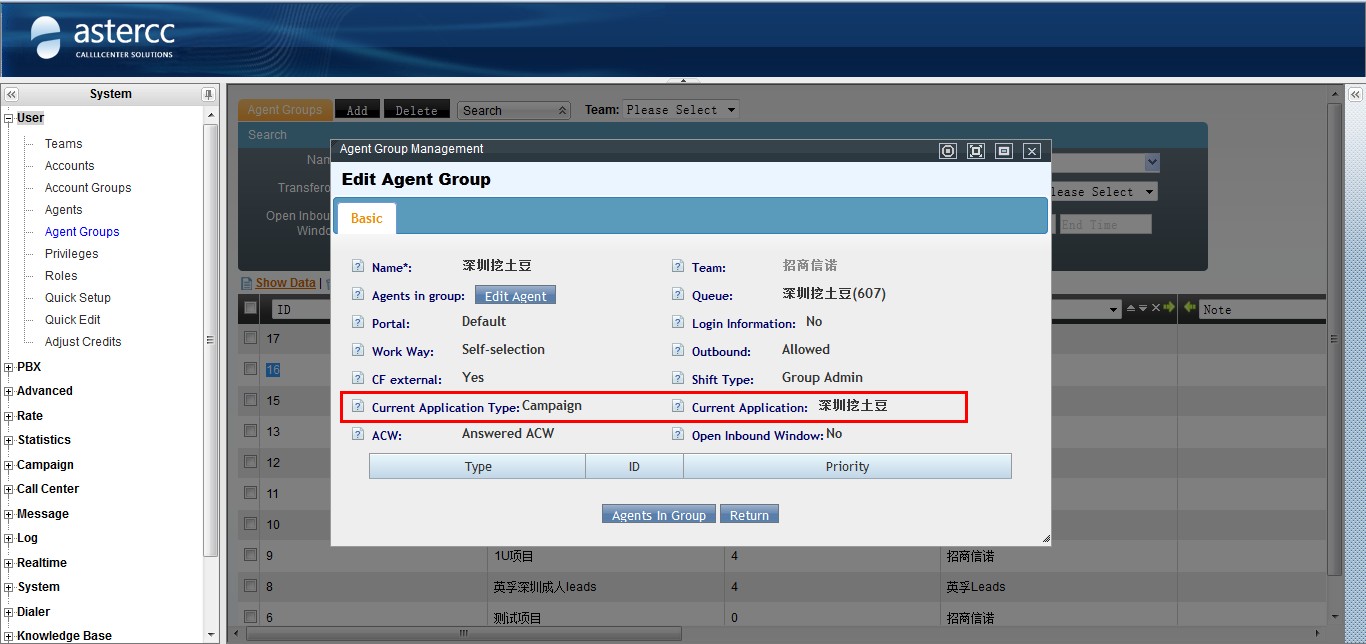
- the agent group that the agent signs in has to have a business module



Direct Inbound Popup
Direct inbound popup means that the call is not from a queue, such as a DID binding call, or a call from a ring group
- There are two conditions for a direct inbound popup
- the extension has to enable the agent mode
- A corresponding popup application can be found in the binding inbound application

Popup from Queue Inbound Call
Popup from queue inbound call is mostly wide used in call center, like inbound calls and predial Pay attention to the following tips when using popup from queue inbound call,
- Make sure the agents are in the signed in status
Click Dial
Click dial means to click the button on the page to place calls, which comes with the business system, and agents can also enter numbers to call in the call panel ( the agent must have outbound permission).
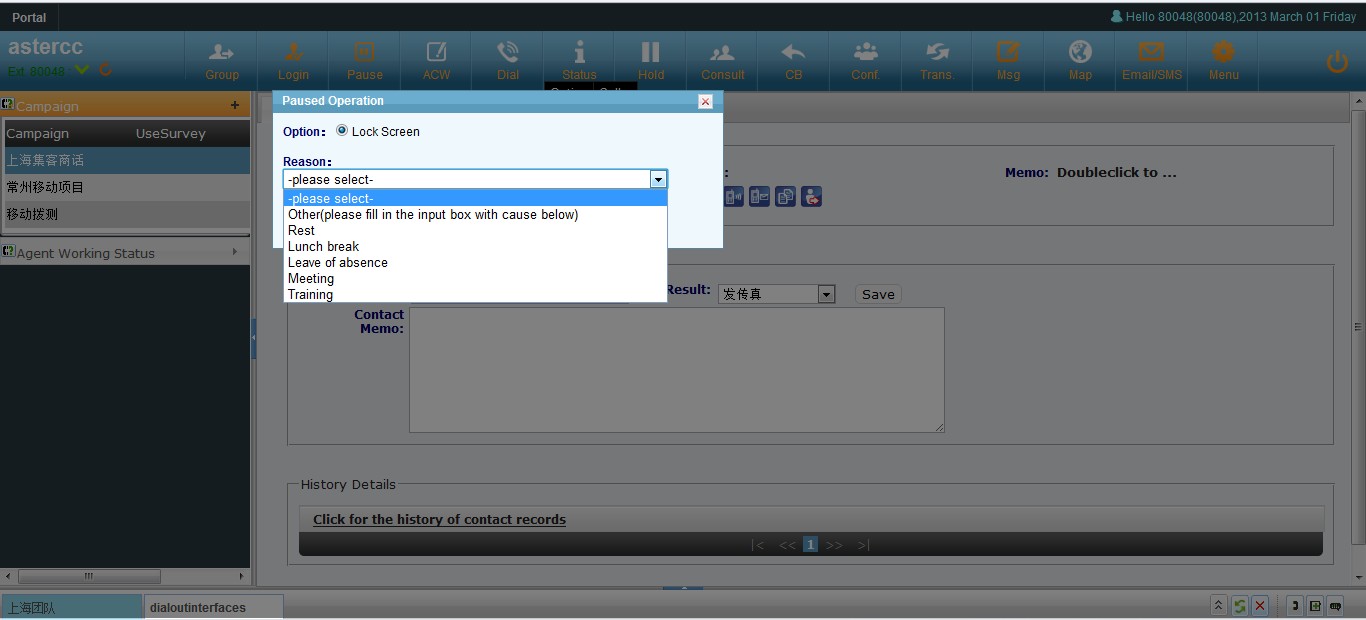
Pause
Agents can use this function when they need a pause, and the total time and reason will be shown in the agent performance statement.
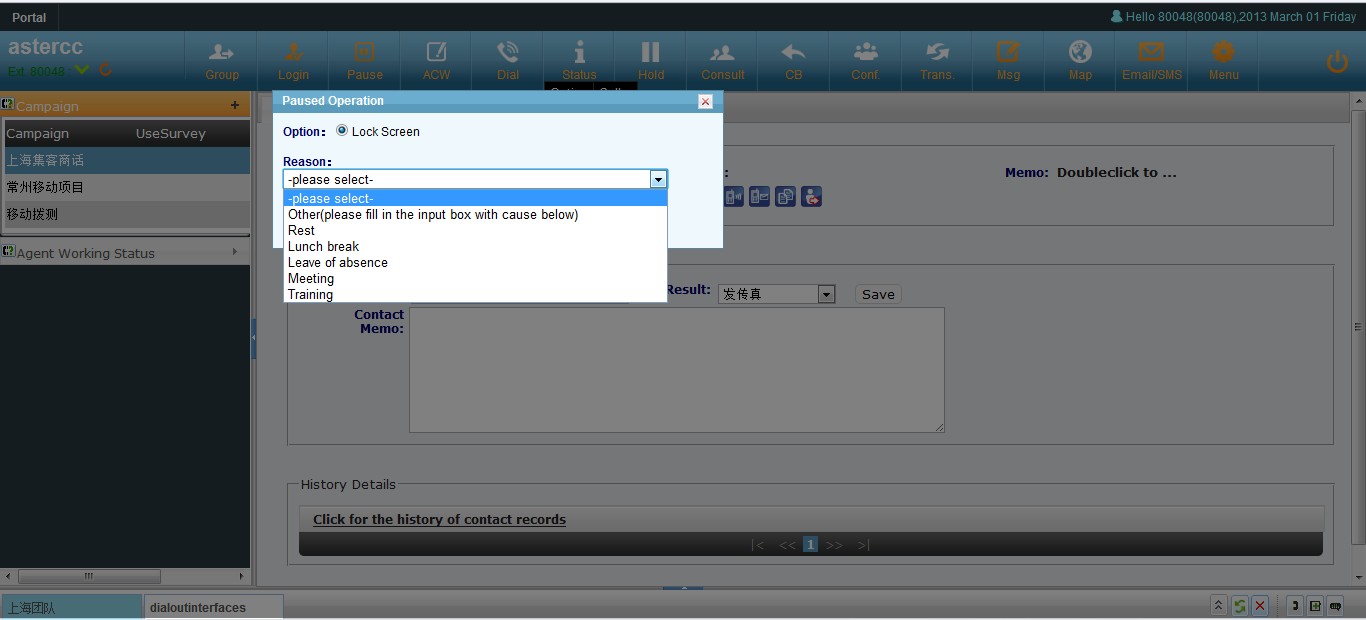
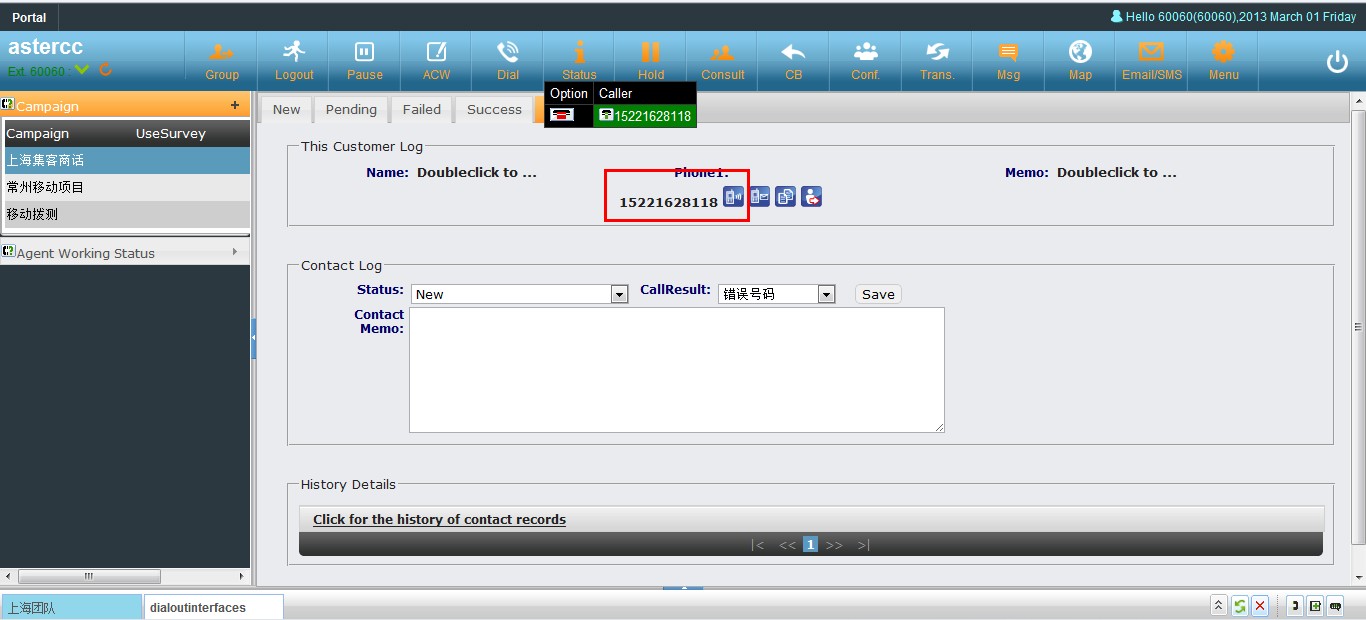
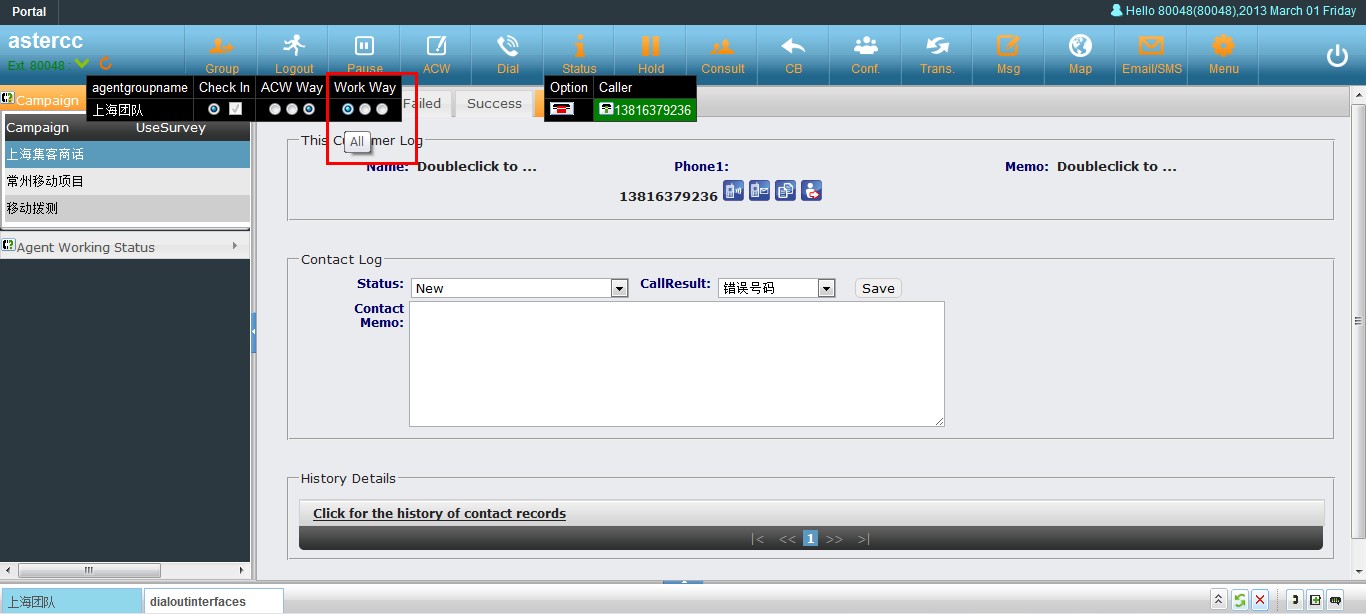
工作模式
坐席的工作方式分为三种
- 仅呼出:坐席只能进行呼出操作,而不会收到坐席组分配的电话
- 仅呼入:坐席只能进接受队列分配的呼叫,而不能主动外呼
- 全部:坐席可以同时接受或者发起呼叫
- 自定义:坐席可以自由在上述三种模式中切换
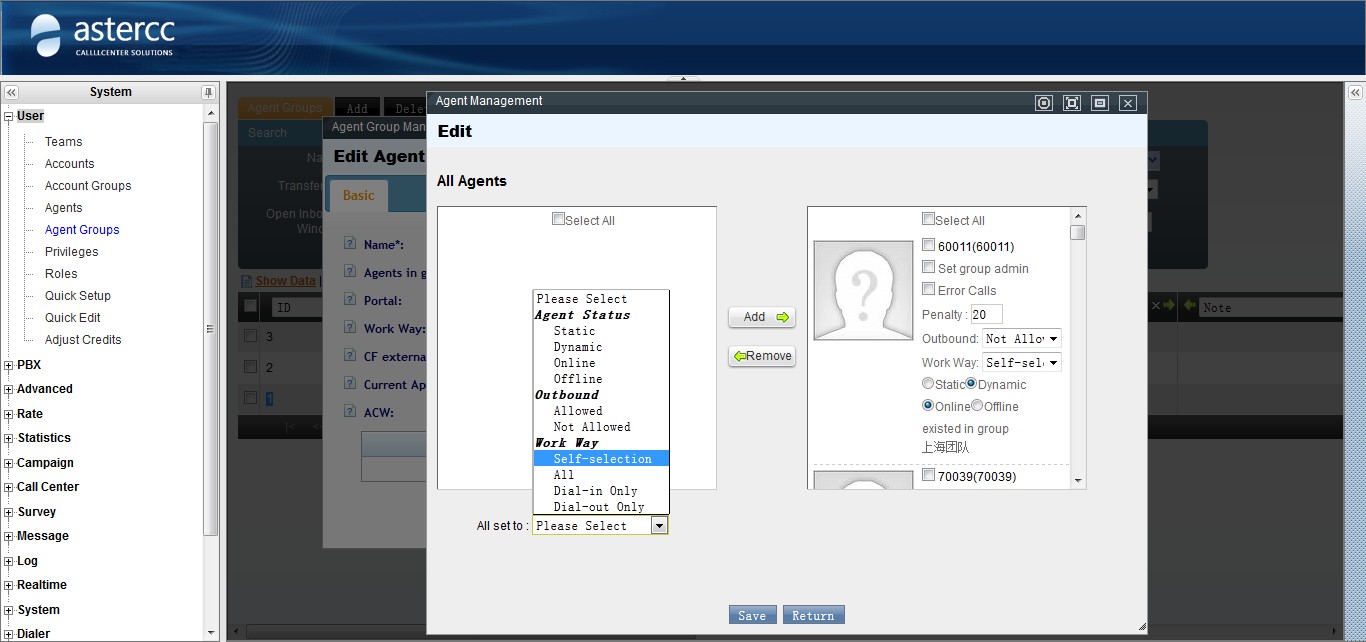
话后处理
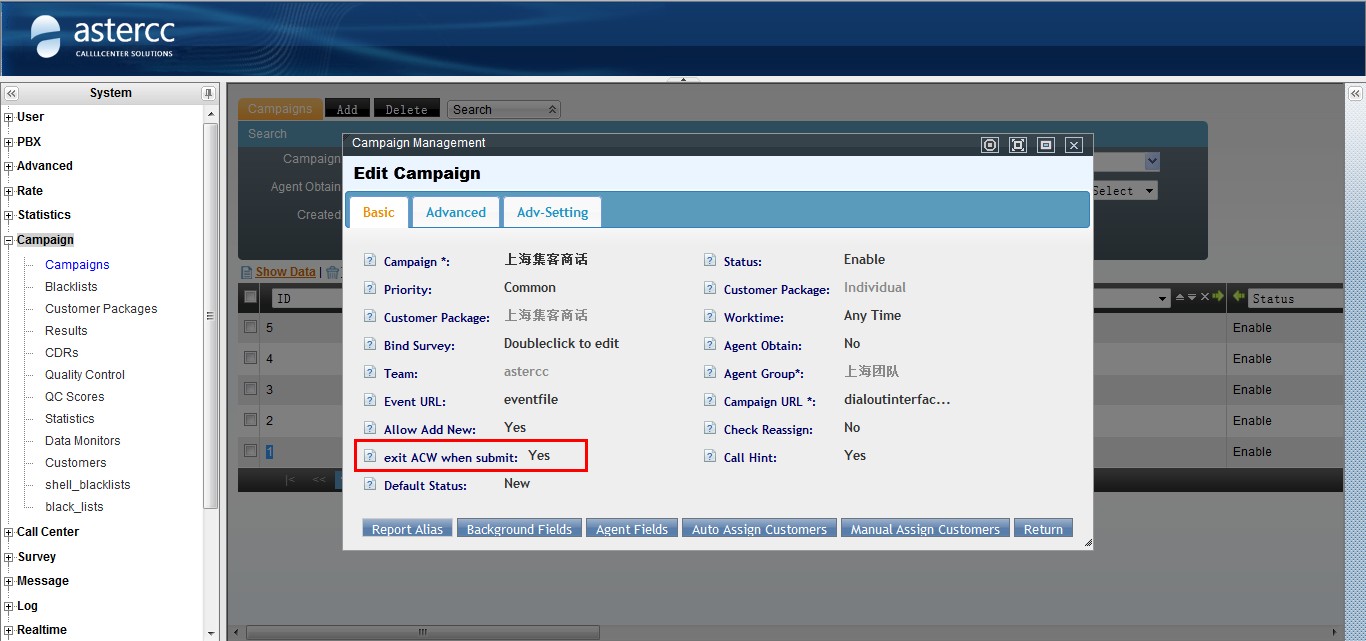
话后处理指坐席结束通话之后,自动进入“话后处理”状态,此时坐席所在的队列不会分配给他呼叫,坐席可以利用这段时间完成数据处理工作,直到坐席结束话后恢复到空闲状态
- 振铃话后:只要坐席电话振铃,不管是否接通,结束后都进入话后状态
- 应答话后:只有坐席电话应答之后才会进入话后状态
- 禁用话后:坐席不会自动进入话后状态
咨询转接和会议
坐席在通话中可以利用咨询功能完成转接或者进入会议
- 坐席点击咨询图标,选择或者输入被咨询方号码
- 被咨询方电话应答后,坐席与被咨询方通话,同时客户进入音乐等待状态
- 坐席点击转接,此时坐席挂机进入话后或者空闲状态,客户与被咨询方进行通话
- 坐席点击会议,此时进入三方通话状态
- 坐席可以通过通话面板挂断某一方或者结束全部通话
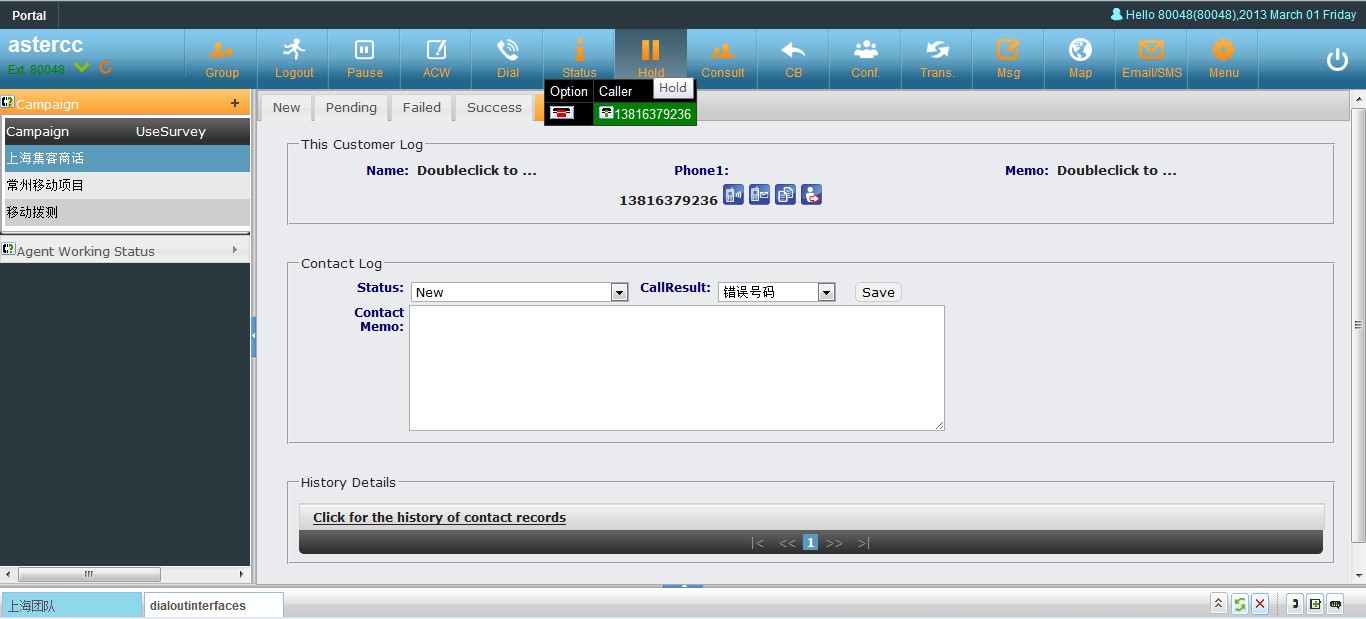
通话保持
在通话中坐席可以使用通话保持功能,此时客户将听到等待音乐,坐席可以再次点击恢复正常通话
邮件、短信和传真


